
CoinPoker Download: How to Access the Poker Platform
Accessing the CoinPoker platform begins with a clear download or sign-up process, and it helps to know the steps before you start. This guide explains how to access the platform based on the CoinPoker bonus overview, which describes the account setup and cashier order. The reference page at CoinPoker Download is a useful starting point for those who want to download the client. Following the steps in the right order reduces the risk of missing an offer. Preparation makes the start much smoother.
The overview describes a fixed order: create an account, confirm the registration email, log in and open the cashier, select the available welcome offer and then confirm the first deposit. Players who prefer a dedicated client can install the CoinPoker App first and manage the cashier and bonus selection from the same interface. Once the bonus is active, it is used alongside the deposited funds. More information on account access can be found at coinpokerbonuses.com.
- Confirm your registration email before attempting to deposit.
- Open the cashier and check the display currency.
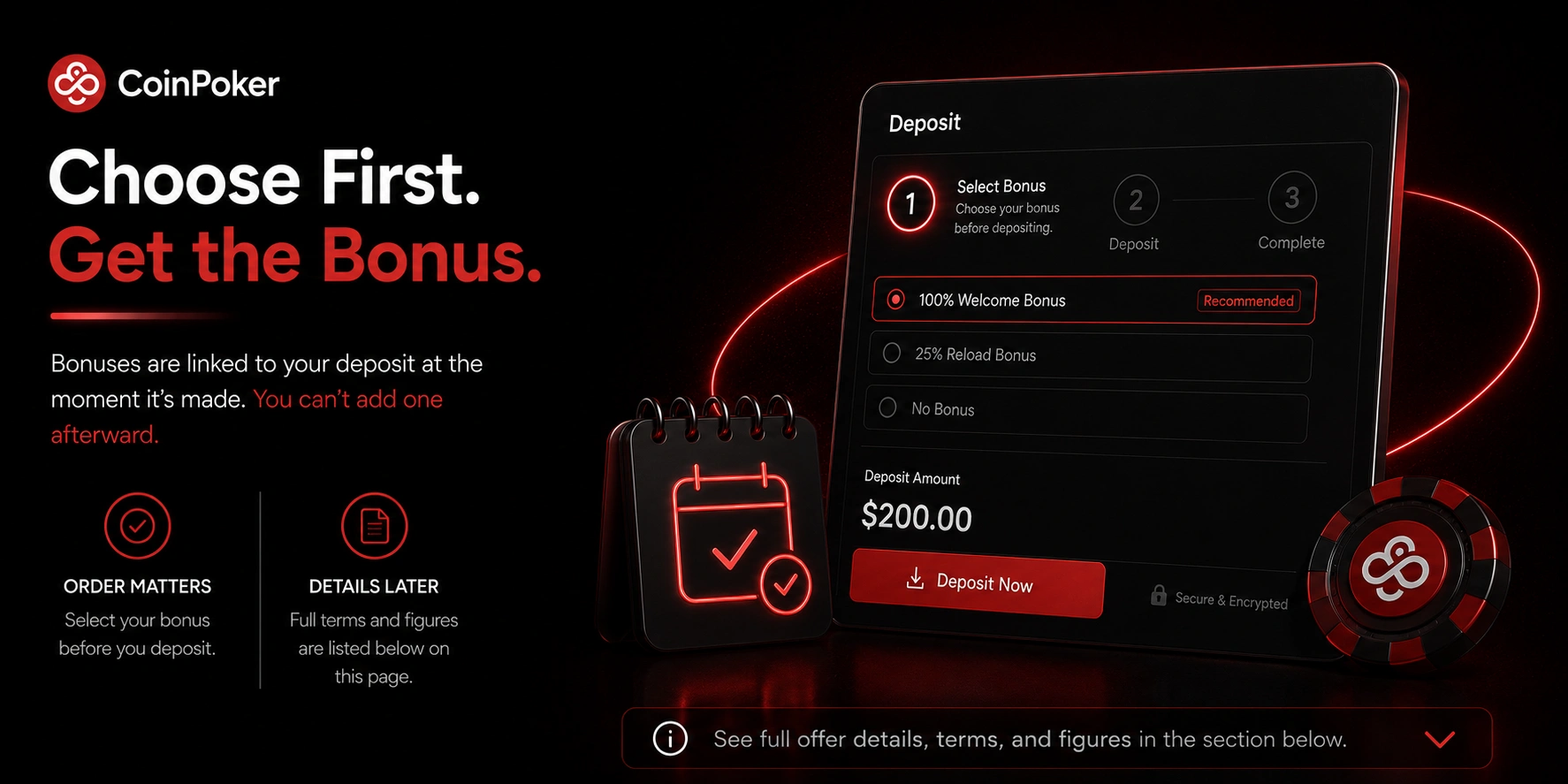
- Select the welcome offer before making the first deposit.
- Confirm that the bonus has been applied before you start playing.
After access is set up, it is useful to review the account area. Check your balance, the status of any offer and the progress toward any unlock. Keeping these details visible helps you understand how your activity contributes to rewards. Knowing where to find this information saves time during busy sessions. A quick review at the start of each session is a useful habit.
The first deposit is the point at which the bonus connects to your account, so it deserves careful attention. Choose a payment method that is compatible with the offer and check that it is available for your display currency. Make sure you understand the conditions before confirming the transaction. Once the deposit is made, the bonus progress begins to build. Taking a moment to double-check each step protects your money.
Responsible play should be part of the download and setup process. Decide on your budget before you deposit, and keep it separate from money you need for everyday expenses. Set reminders for breaks and avoid playing when you are tired or distracted. If the process feels rushed, slow down and review the terms again. A calm approach is always the wisest.
In summary, accessing CoinPoker involves registration, email confirmation, the cashier and the welcome offer in a specific order, and a dedicated app can help keep these steps together. Confirm the figures on the official promotions page and read the terms before depositing. Set your limits in advance and review your progress regularly. Careful setup makes the platform easier to use. Play responsibly.
Organising your files and records after download can make the platform easier to use. Keep a note of your registration date, your chosen display currency and any offers you have claimed. Storing these details in one place helps you answer questions quickly when they arise. Good record keeping is a simple habit that saves time over the long term.
Testing the platform with a small first step is a sensible approach. Explore the lobby, check how the tables display and confirm that your account details are correct before you commit larger amounts. A gradual start allows you to become comfortable without pressure. Confidence grows naturally when you take it one step at a time.
Once the app or client is installed, a short check of your system can prevent problems later. Confirm that your device has a stable connection, enough storage and a reasonable amount of battery. Make sure your date and time settings are correct, since they can affect logins and session records. These checks take only a few minutes and can save time during play.
Learning the layout of the lobby is a helpful next step. Spend a few minutes looking at how tables are listed, how stakes are displayed and where the cashier and account sections are located. Familiarity makes it easier to find what you need quickly during a session. Good orientation is one of the simplest ways to feel at home on a new platform.
- Read the bonus terms before you download or register.
- Check the device requirements and storage space.
- Keep your account details secure after setup.